
If you would like to print out GLOA coach’s certification cards with team logos here is what you need to do.
- Download this folder New GLOA Coaches Certification Cards with Logo onto your laptop. It will download as a zip file.
- Open the zip file and save the Folder to your computer. The folder will contain a PDF and a folder of all high school logos.
- Open the PDF. It is set up so that you can print two sets of different cards for two different games. Enter the info and it will duplicate it to the card on the right. Click the logo icon and select the team logo from the High School Logo folder and click ok.
- Repeat for the second card set.
This is what it will look like (back first, then front).
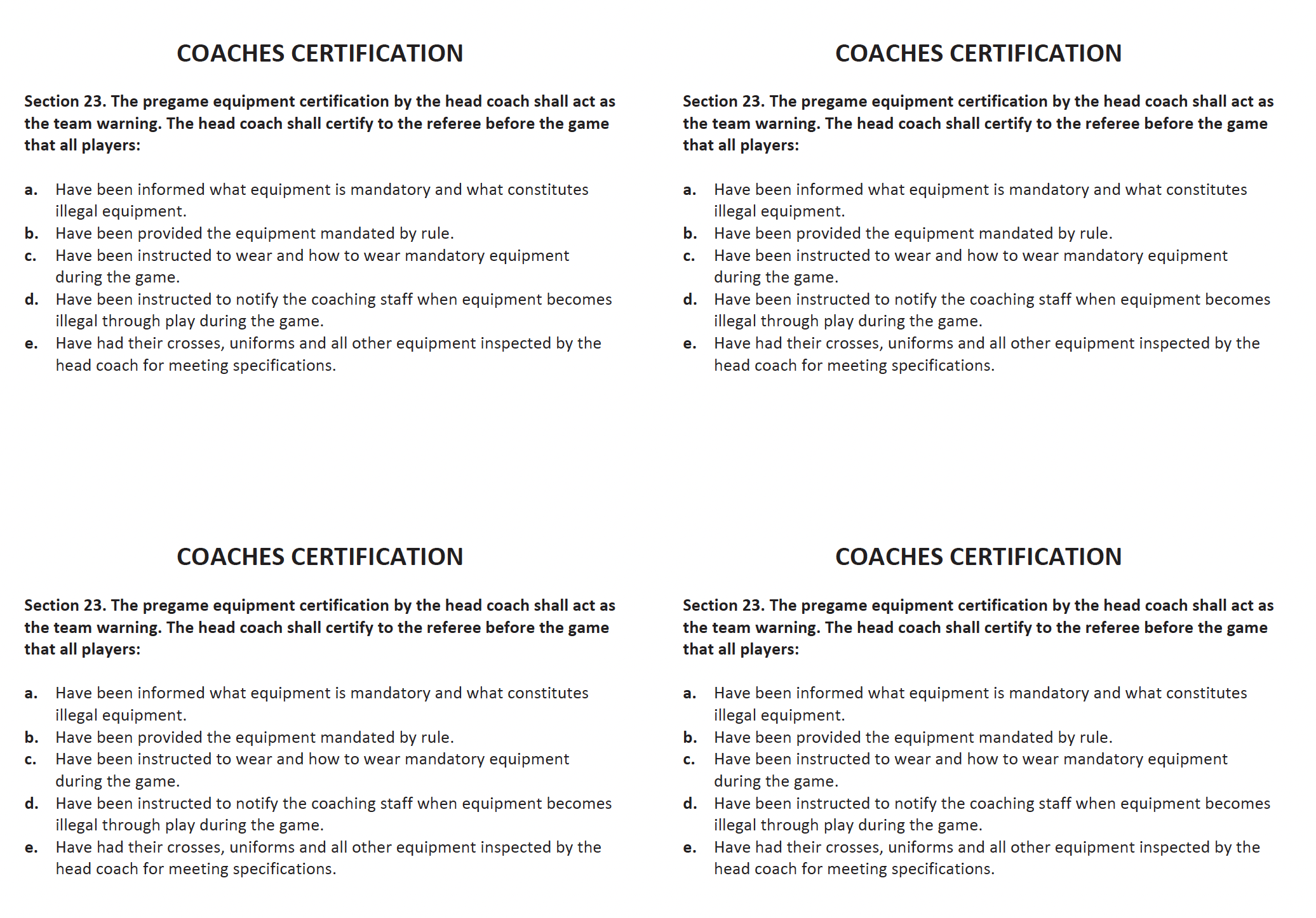
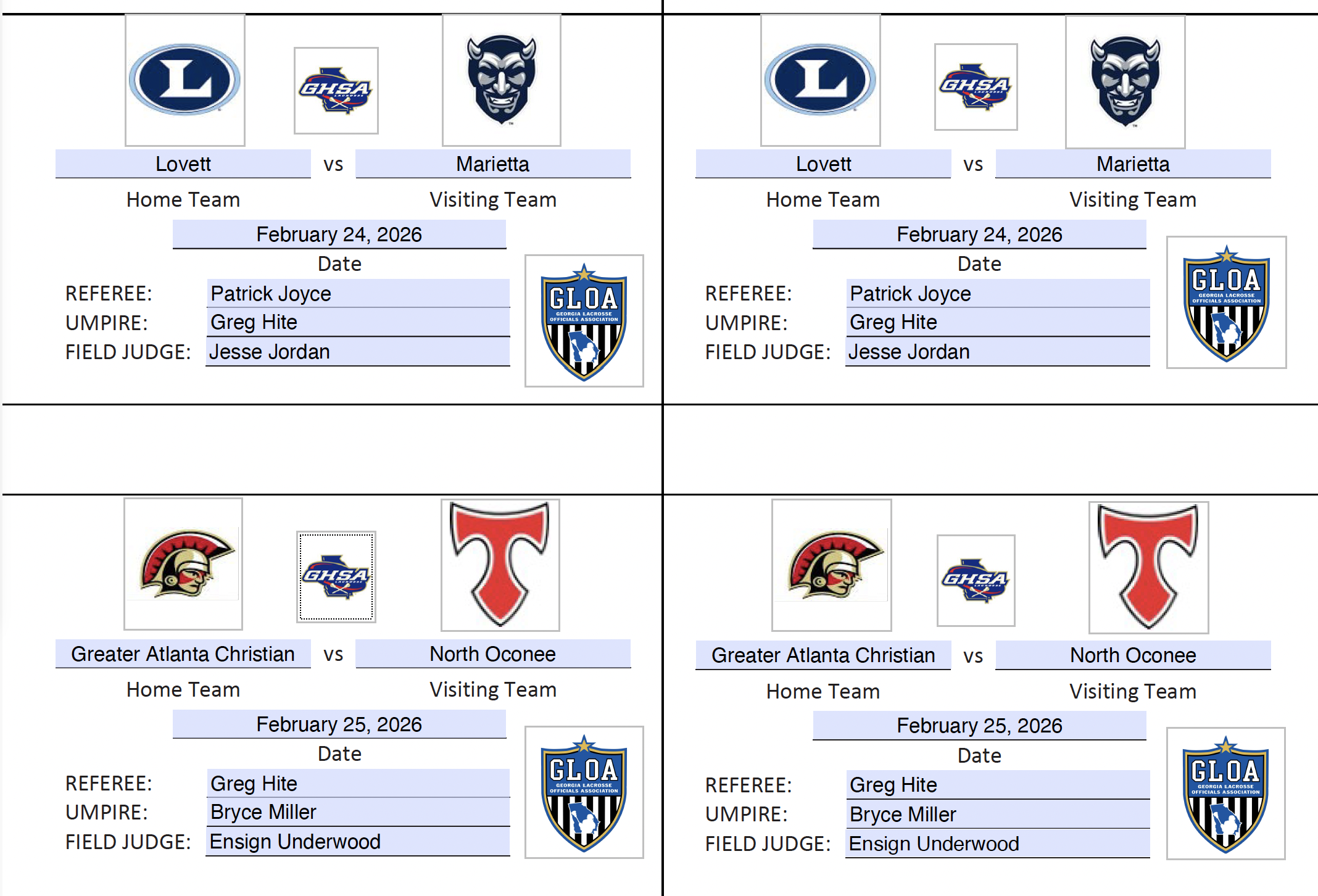 Here is a video to walk you through the process.
Contact Greg Hite with any questions at [email protected].